Englisch
  Deutsch
Introduction to Ergonomics in the Laboratory
Sitting
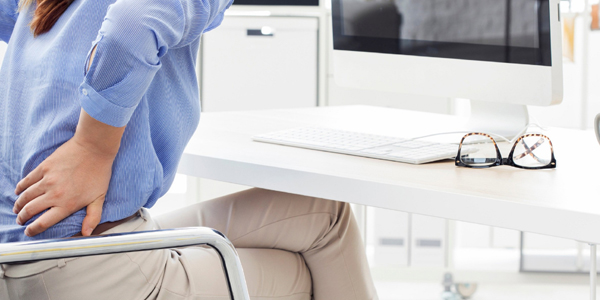
Problems: The human body is not designed for static sitting, yet many of us spend a large portion of our workday in exactly this position. Prolonged sitting results in underuse of many muscle groups, while others - such as the hip flexors - shorten. This can lead to immobility, poor posture, and pain.
A forward-leaning posture (e.g., when using a microscope, computer, or cutting samples) also shortens the chest and neck muscles, potentially causing poor posture, stiffness, and pain.
Especially in laboratory environments, static sitting, repetitive movements, and non-ergonomic postures are often unavoidable. It is therefore crucial to address these issues with a solution-oriented approach.
Solutions: Simple adjustments and exercises can effectively counteract problems caused by prolonged sitting.
First and foremost, choosing the right laboratory chair is key. In addition to lab-specific features, the chair should offer various individual adjustment options (seat height, backrest, seat depth, and armrests).
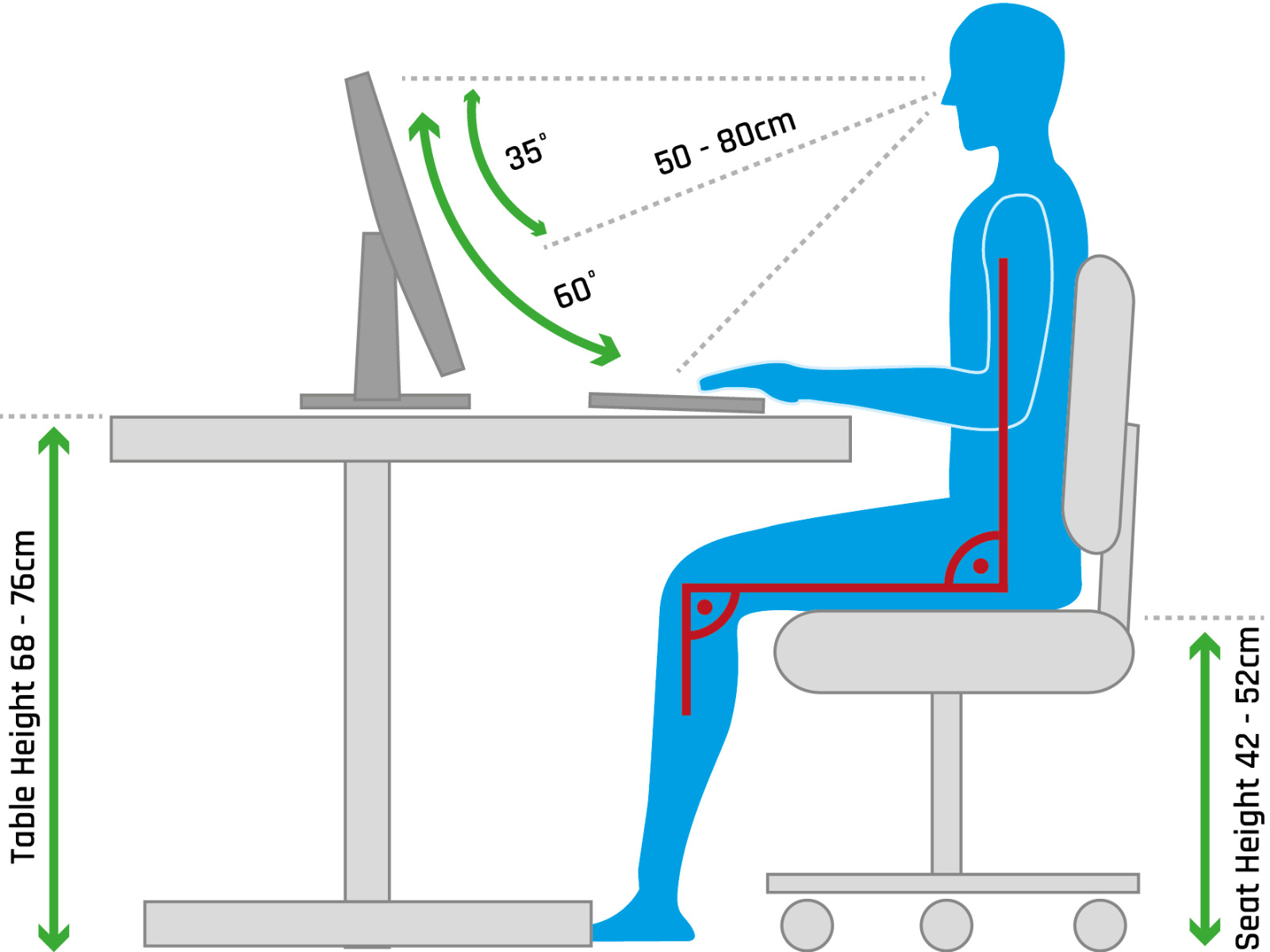
Correct sitting posture involves:
- All joint angles (hips, knees, elbows) should be approximately 90 degrees.
- The upper body should maintain constant contact with the backrest.
- Seat depth should allow about a hand’s width of space between the seat edge and the back of the knees.
- Arms should form a 90-degree angle at the elbows, with forearms resting comfortably on the desk or armrests.
As workstations and chairs in laboratories are often shared among different users, seating solutions should be easy to use, intuitive, and adjustable.
The body’s support must be tailored to the task and the individual. In addition to regular chairs, stools or standing aids may be appropriate depending on the situation.
In any case: prolonged sitting should always be interrupted with regular breaks (get a glass of water, stretch, take a walk, etc.).
Standing
Problems: While standing is a more natural position for the human body than sitting, certain factors must still be considered to avoid discomfort from static posture and, ideally, to prevent it altogether.
Solutions: Height-adjustable tables and equipment surfaces are among the most important ergonomic features. These help avoid extended forward-leaning postures and the resulting poor alignment and muscle tension.
Also important is the storage of frequently used tools within comfortable reach, preventing unnatural movements that can cause strain, overstretching, or injuries (such as muscle tension or back sprains).
Appropriate footwear contributes to fatigue-free, joint-friendly, and pain-free standing. Avoid shoes with high heels or very hard soles.
Work Environment (Lighting, Temperature, etc.)
To feel comfortable in your workspace, pay attention also to environmental factors. A pleasant room temperature, proper ventilation, and sufficient lighting are especially important.
Room Temperature
An unsuitable indoor climate - whether too cold or too hot - can negatively impact health and performance. Low temperatures may lead to colds, tension, and headaches; high temperatures may cause concentration issues, circulatory problems, or even heatstroke.
The ideal workplace temperature is between 20–26 °C, with 26 °C as the upper limit. For physically demanding tasks, lower temperatures may be acceptable, while break rooms, standby areas, sanitation, and first aid rooms should maintain at least 21 °C.
Lighting
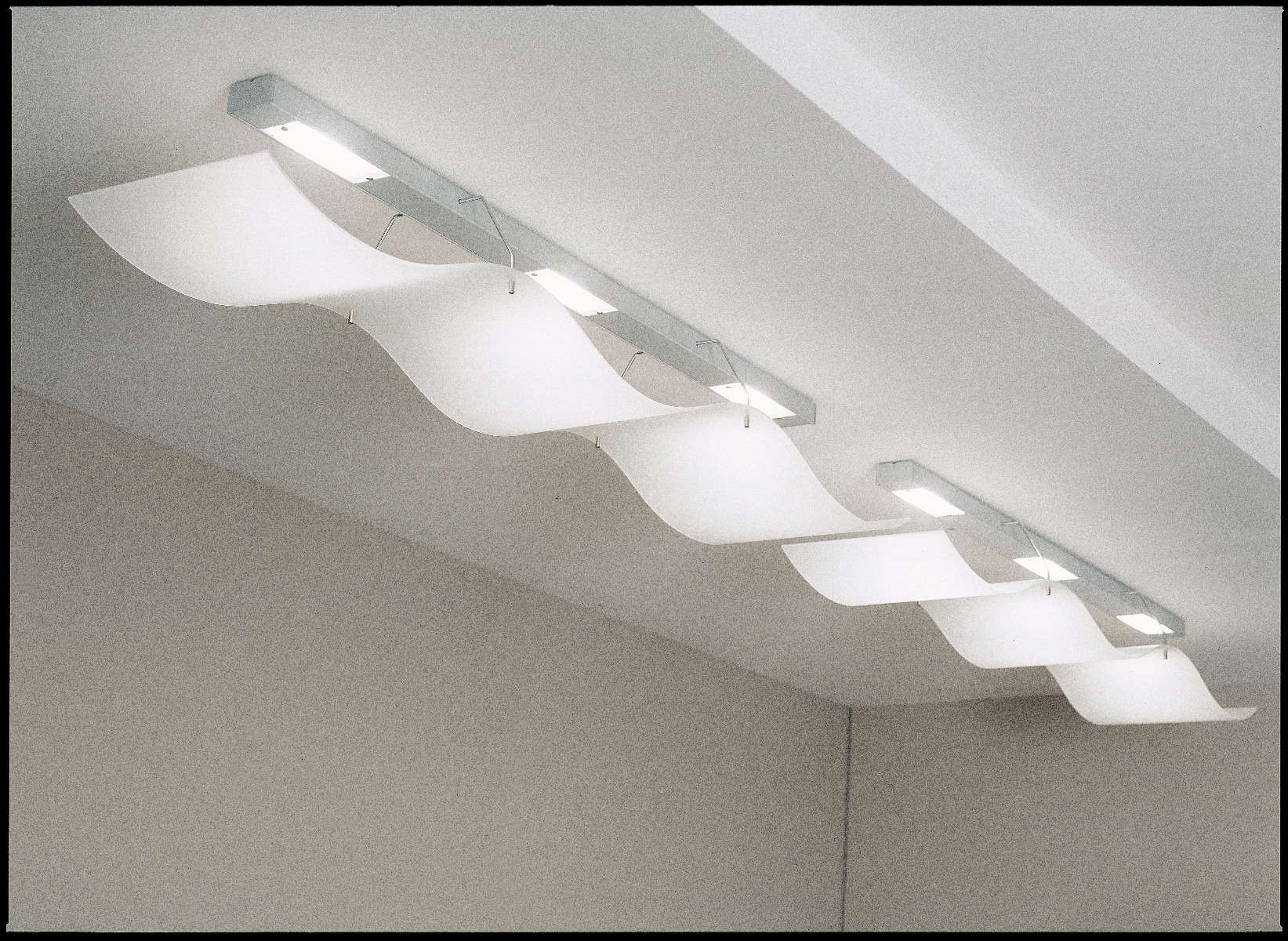
Light has both visual-optical and non-visual effects. The former influences seeing and perception, while the latter affects well-being and our internal clock. Good lighting should account for both.
Inadequate lighting can lead to:
- Eye strain
- Headaches
- Difficulty concentrating
- Fatigue
- Increased risk of errors and accidents
Recommendations:
- Avoid glare: Neither direct sunlight nor artificial lights should cause glare or reflections on screens.
- Light color: A color temperature of 4000 Kelvin (neutral white) is considered optimal.
- Brightness: At least 500 lux for standard office work, and up to 1500 lux for older or visually impaired individuals.
- Individual adjustment: Table lamps with flexible arms and adjustable settings help meet personal and task-specific needs.
Workspace/Screen Distance
Problem: Improper screen placement can lead to health issues such as eye strain, muscle tension, headaches, and poor concentration. Long-term use can cause musculoskeletal damage.
Solutions: To optimize your screen workspace:
- Avoid glare/reflections by using curtains or blinds and placing screens at a 90° angle to windows and light sources.
- The top edge of the screen should be at or slightly below eye level.
- Maintain a distance of 50–70 cm from the screen.
- The line of sight should be straight to avoid neck twisting; a slight backward tilt of the screen helps maintain a natural head position.
- Ensure your desk is large enough to place your keyboard, mouse, and tools comfortably.
Microscopy
Problems and Solutions: Extensive use of microscopes, especially in clinical settings, is linked to work-related discomfort and injuries. Over 77% of users report issues - particularly in the shoulders, neck, and back - caused by prolonged sitting in awkward postures and handling complex microscopes.
Ergonomics at the Microscope Workplace: A Worthwhile Investment
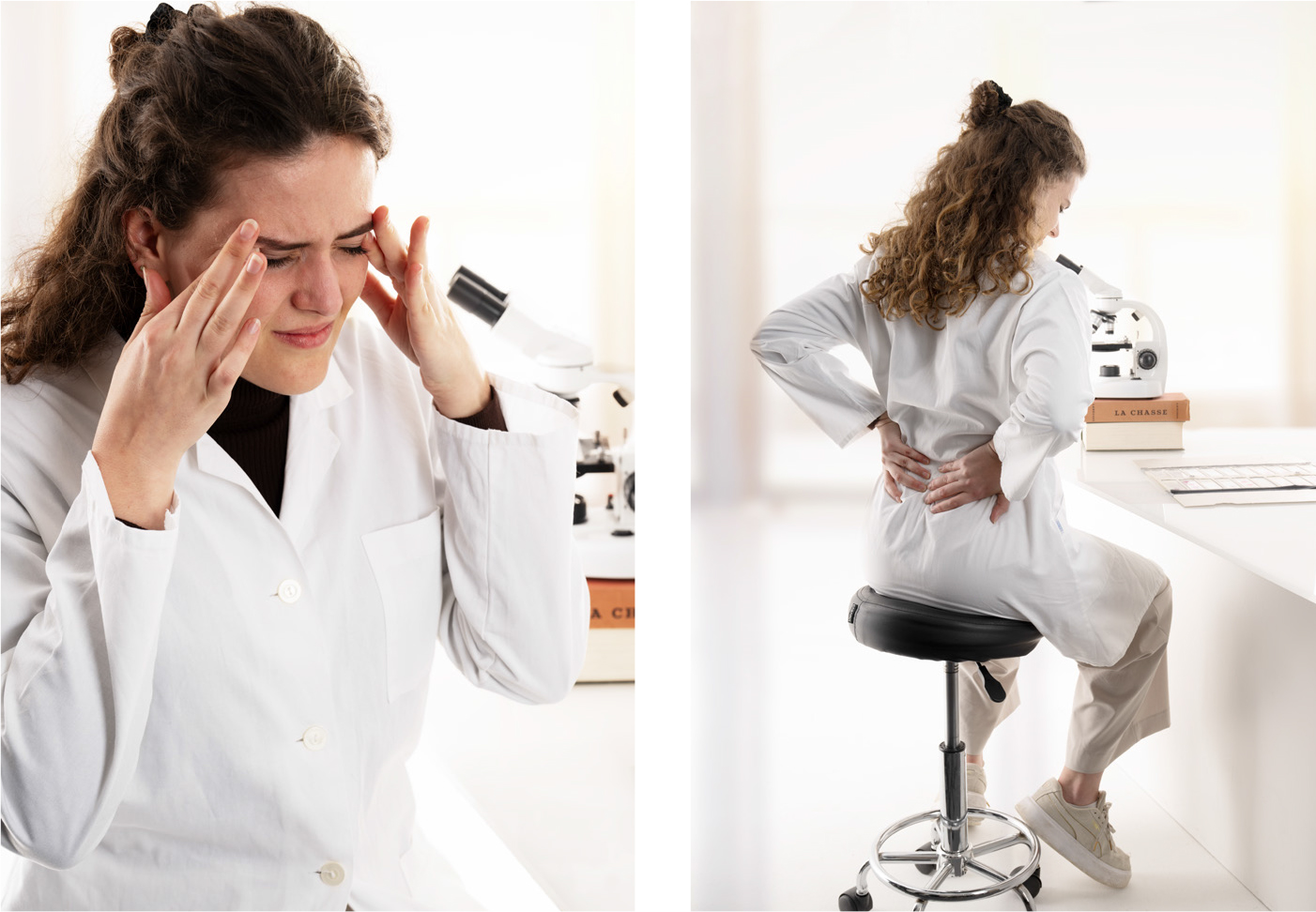
Incorrect viewing height often forces users into unnatural postures, even with proper seating. Many struggle to comfortably reach conventional microscope eyepieces.
As a result, the neck is often strained forward, overloading the neck and back muscles. This ongoing strain prevents proper muscle relaxation, leading to fatigue and pain.
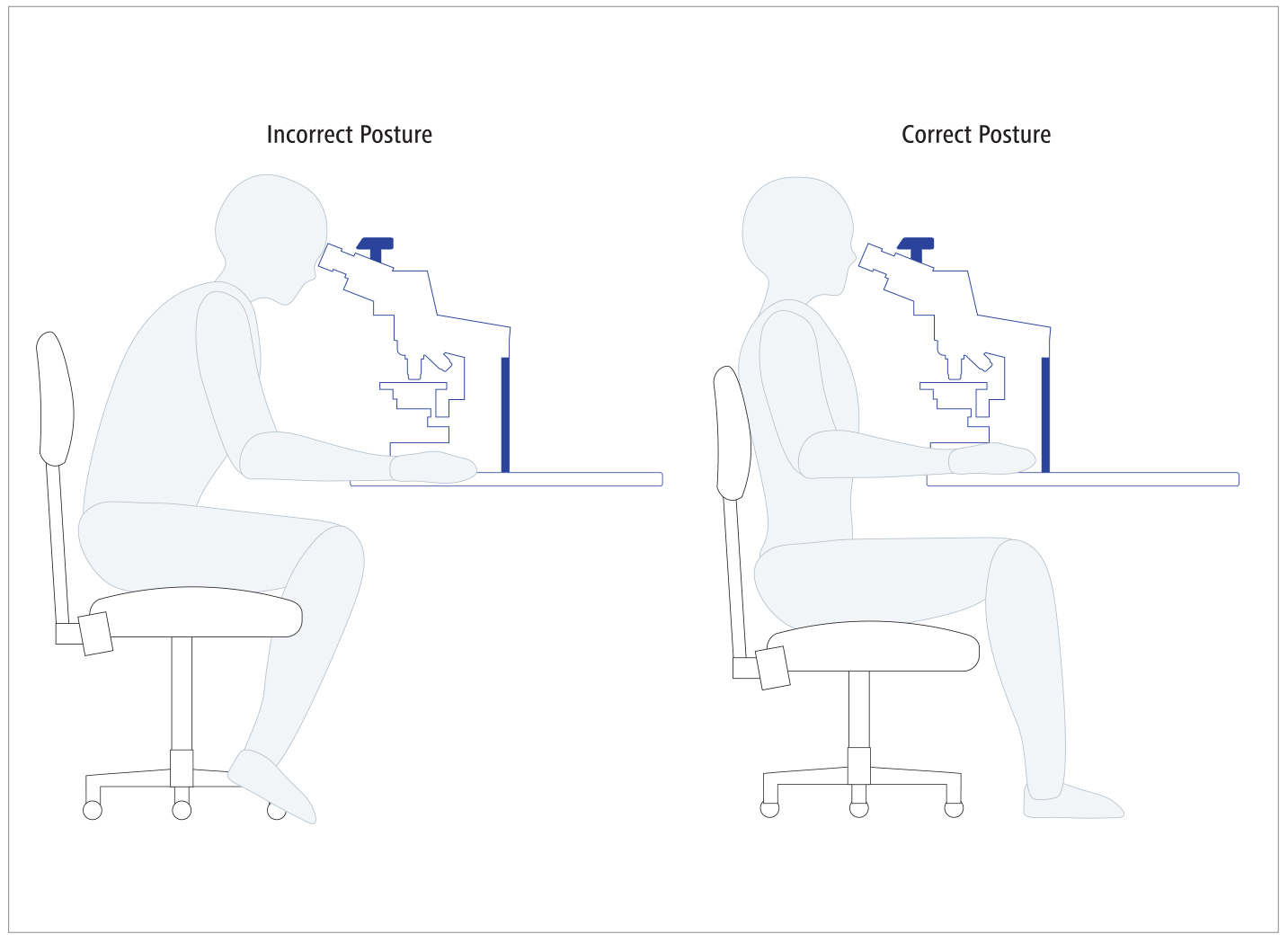
Figure 1: Ergonomic posture during microscope use. Comparison of incorrect (left) and correct (right) sitting positions.
Reference: Zenner-Gellrich S. Breakthrough in Ergonomics for Laboratory and Clinical Microscopes. Microscopy Today. 2013; 21(5):18–21. doi: 10.1017/S1551929513000631
Key Ergonomic Aspects in Clinical Microscopy
- Instrument Design
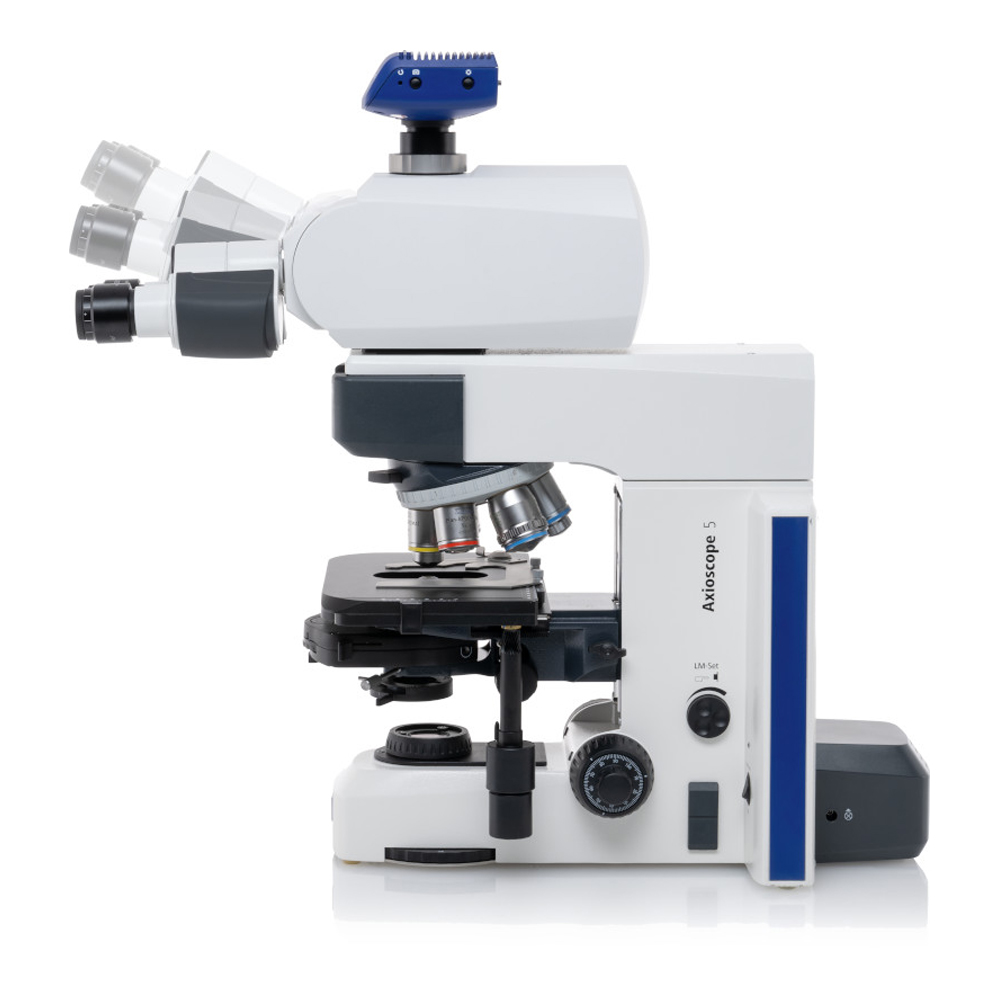
ZEISS develops clinical routine microscopes based on ergonomic principles, featuring adjustable height, tilt, and eyepiece positions via the "Ergotube." Logical button layout and smart functions support user comfort. Eyepiece alignment and pupil distance must match user physiology. - Lighting
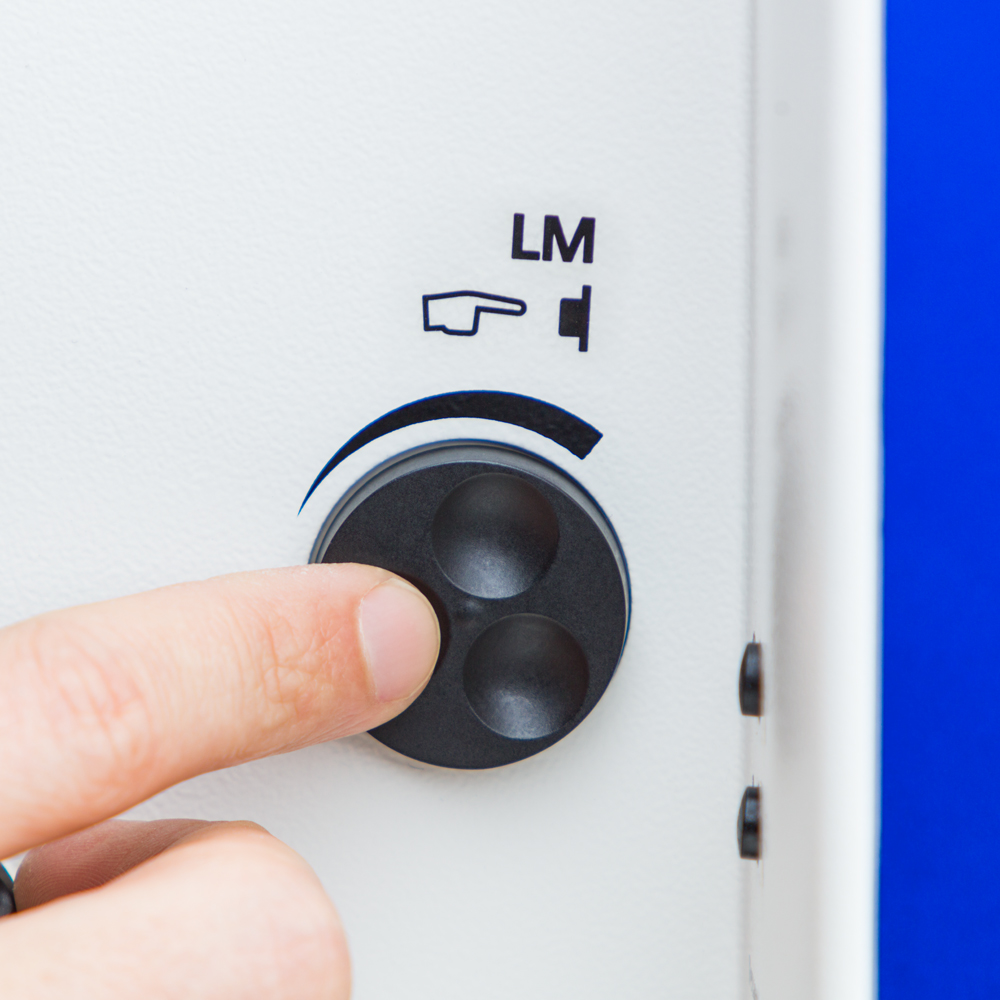
Modern ZEISS microscopes offer adjustable brightness and integrated light managers that store preferences for different magnifications and reset automatically after lens changes. - Microscope and Stage Controls
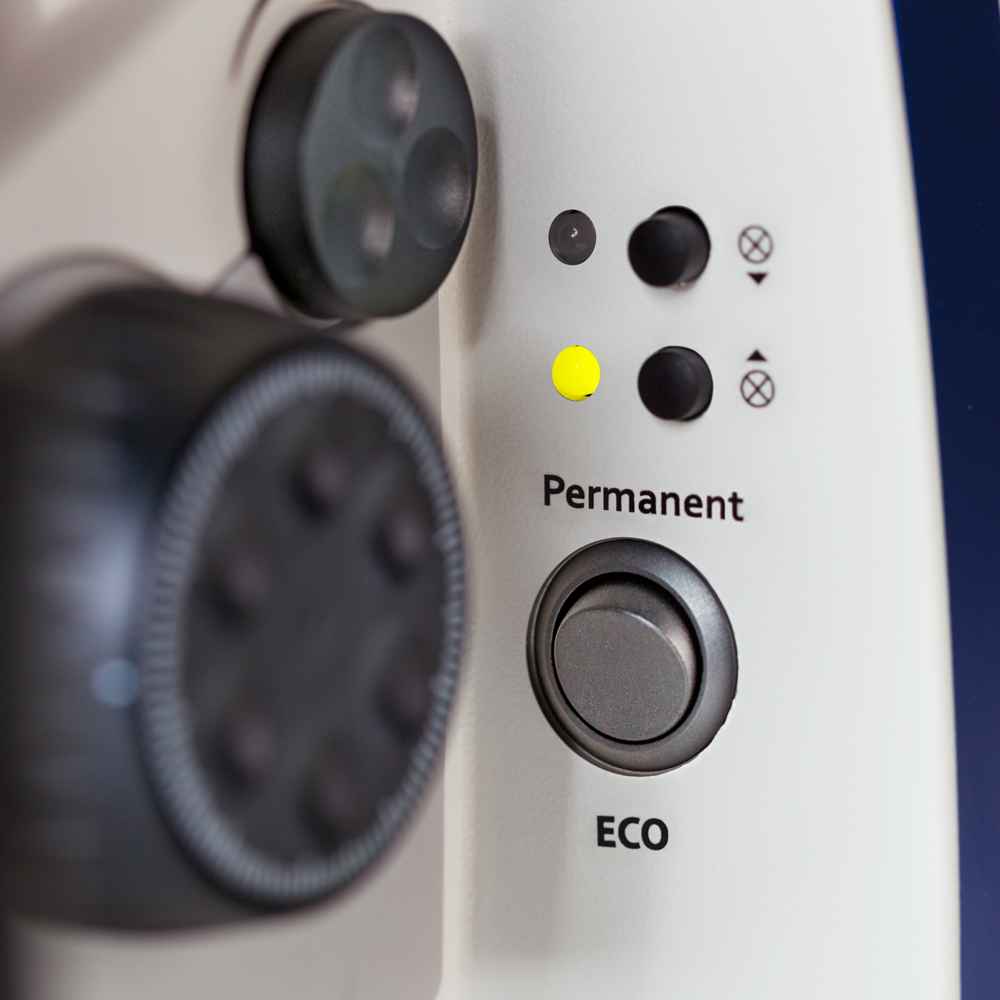
Focus knobs and XY stage controls are accessible and intuitive, minimizing strain on hands and wrists. Some models allow camera adjustments without changing hand position.
Final Thoughts
An ergonomically designed lab environment is not just an investment in health and well-being, but also in efficiency and productivity. The right lab chairs, standing aids, and well-planned workspace design make lab work healthier and more efficient. Regular movement, breaks, and ergonomic tools (like user-friendly microscopes) help create a pleasant, productive working atmosphere.
-
Starting at €1,933.00 €2,300.27
Zeiss ergotubes stand for maximum comfort, quality and flexibility. Thanks to the adjustable viewing angle of -2° to 28°, the respective observation posture can be individually adjusted and thus enables ergonomic working. The tubes are available with a field of view of 23mm or 25mm.Starting at €1,933.00 €2,300.27
-
Starting at
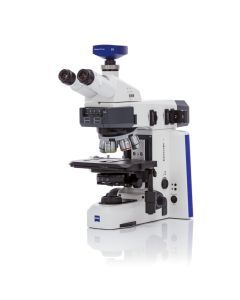
ZEISS Axioscope 5/7 MAT - smart microscope for research and routine in the materials laboratory
- For materials research and metallography
- Powerful with outstanding ease of use
- Advanced light management
- Digital instrument control up to digital archiving
- Motorization of all axes of motion for automated imaging (Axioscope 7)
Starting at